The Ergonomic Blueprint

Understanding precise alignment principles helps create workspaces that support natural body mechanics. Learn the fundamental rules for optimal positioning.

The 90-Degree Rule

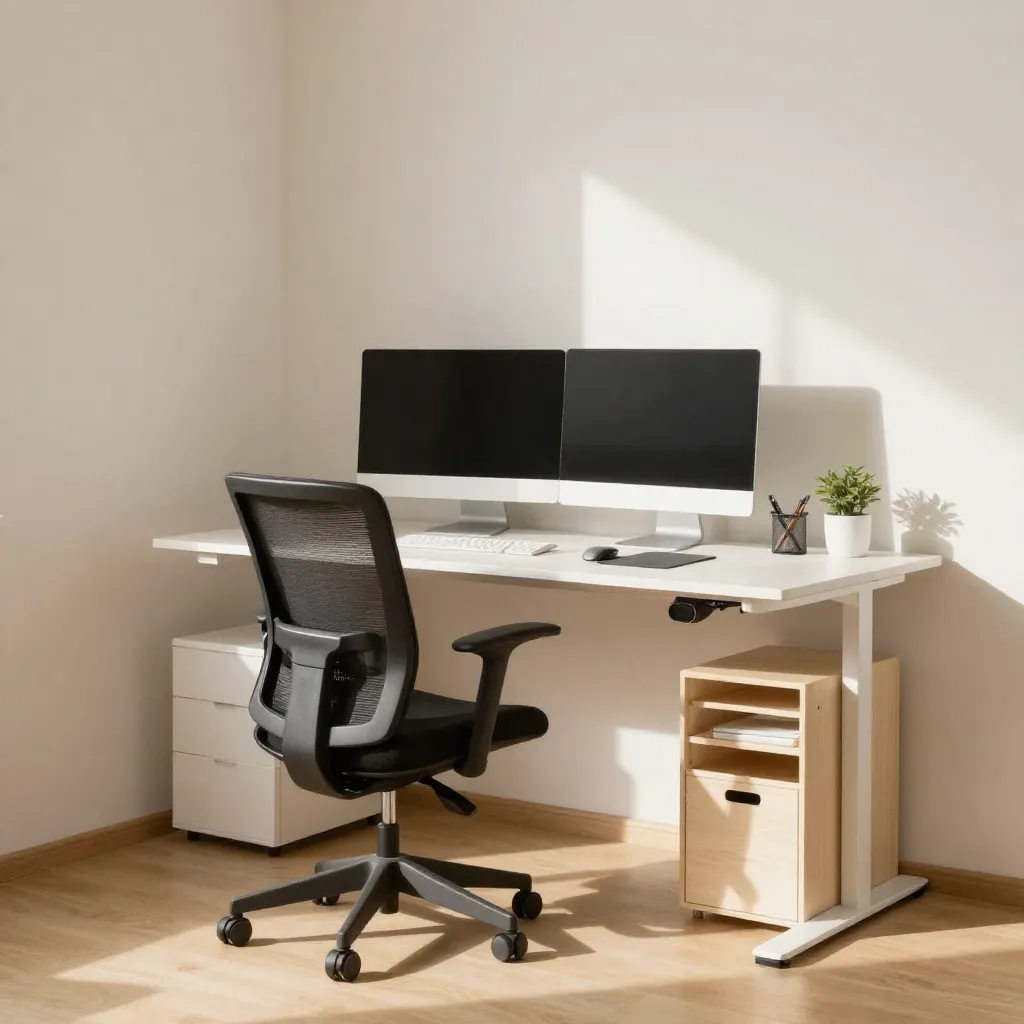
Elbow positioning at 90 degrees

Elbow Positioning

When seated, your elbows should form approximately 90-degree angles. This positioning allows your forearms to rest parallel to the floor, reducing shoulder and neck tension. Adjust your chair height and armrests to achieve this alignment.
Knee positioning guidelines

Knee Alignment

Your knees should also maintain 90-degree angles, with feet flat on the floor or supported by a footrest. This position promotes proper circulation and reduces lower back pressure. Seat depth adjustments help achieve optimal knee positioning.
Complete body alignment

Full Body Alignment

Combining proper elbow and knee positioning creates a foundation for overall body alignment. Your back should maintain its natural curve, supported by the chair's lumbar region. Regular position checks throughout the day help maintain these angles.

Eyebrow Level Monitor Placement

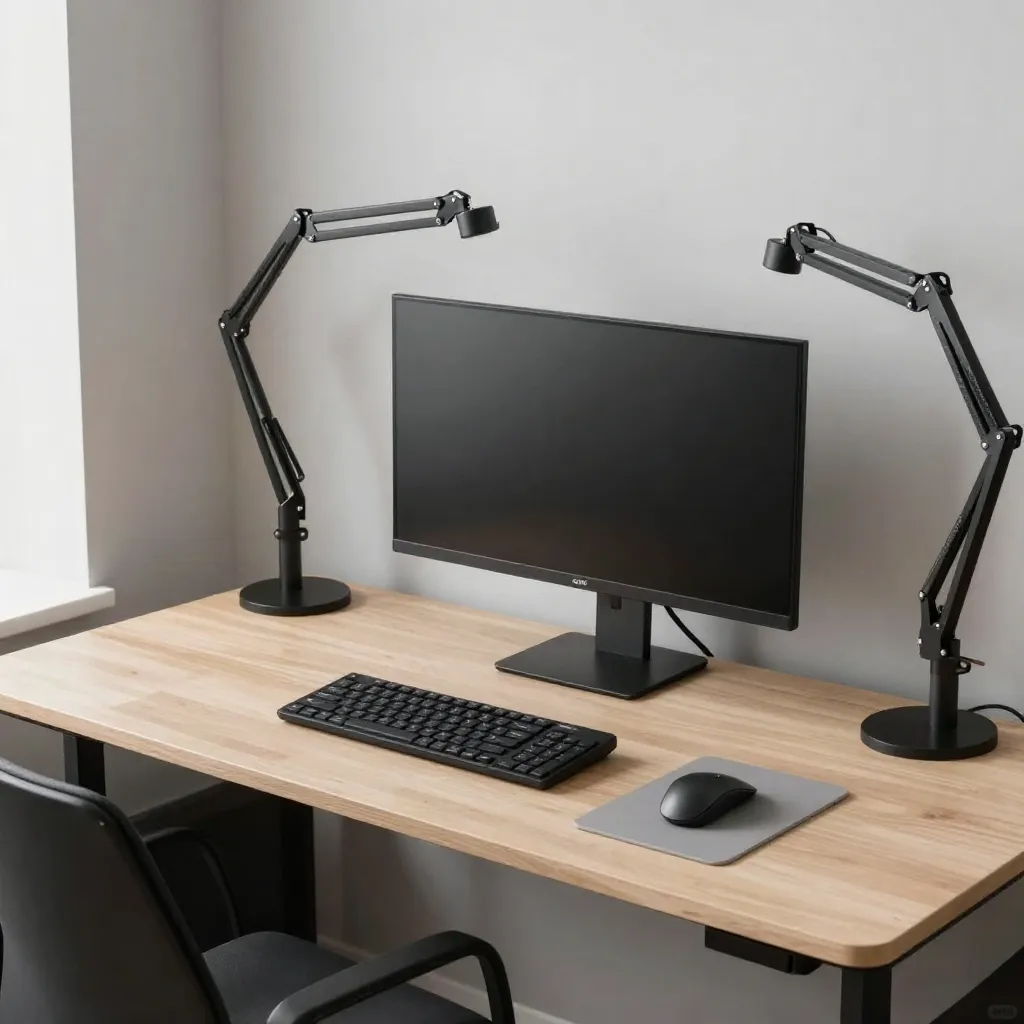
Monitor at eyebrow level

Top Edge Alignment

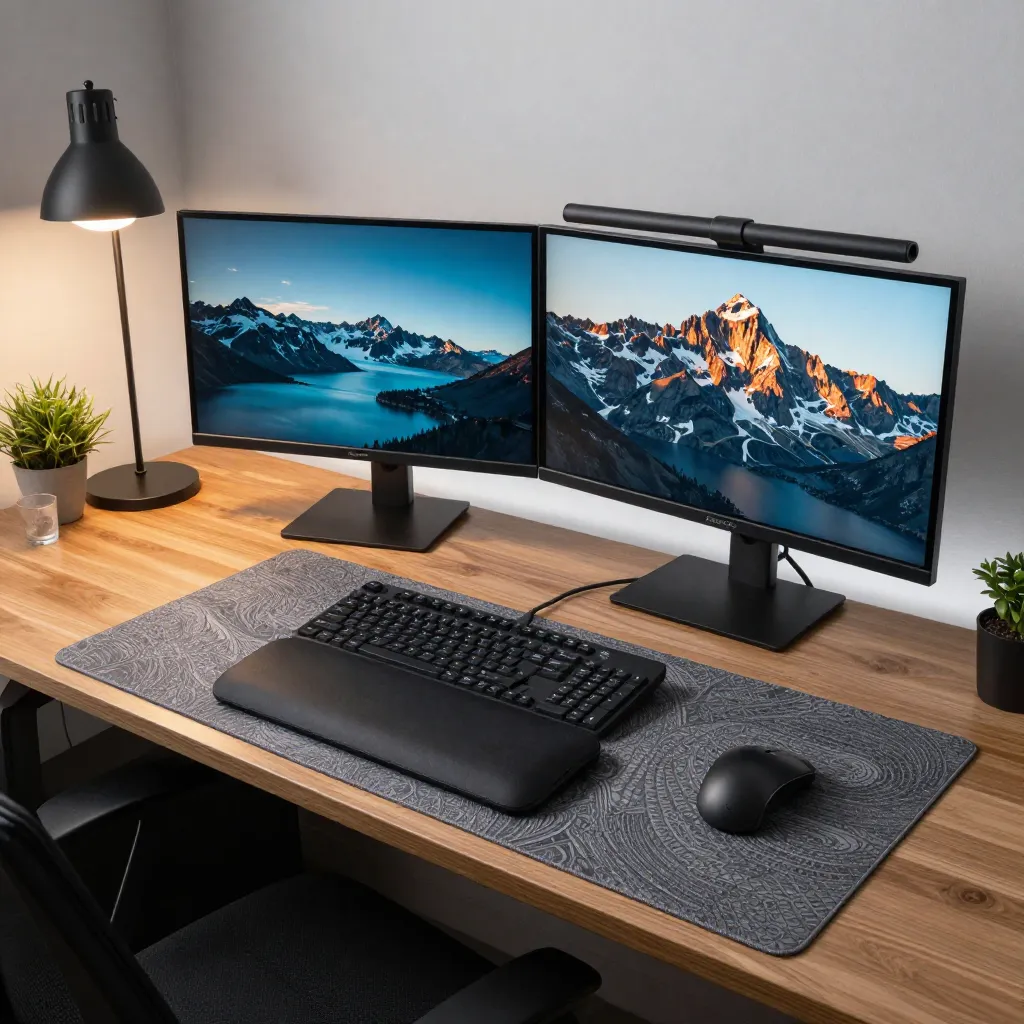
The top edge of your monitor should align with or slightly below your eyebrow level when you're looking straight ahead. This positioning encourages a neutral head position, reducing strain on your neck and upper spine. Monitor arms provide the flexibility needed for precise adjustment.

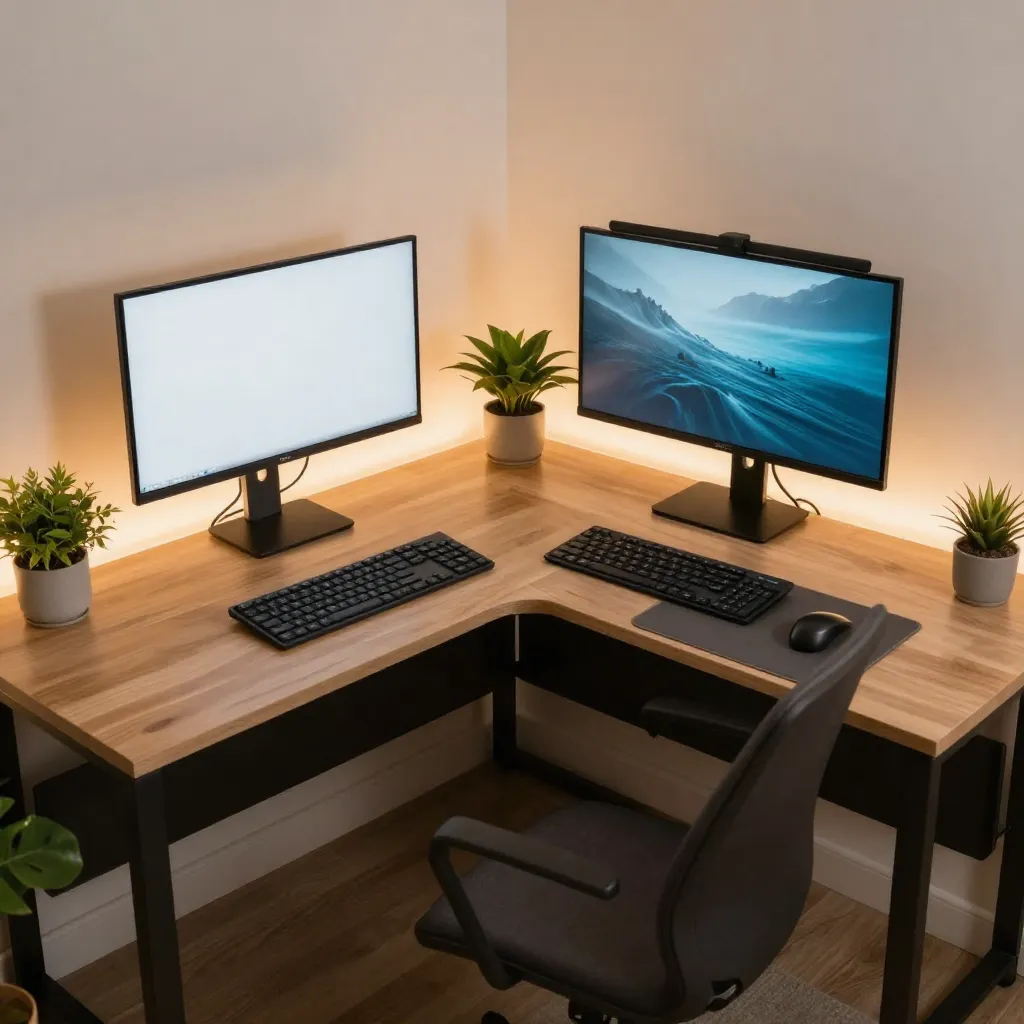
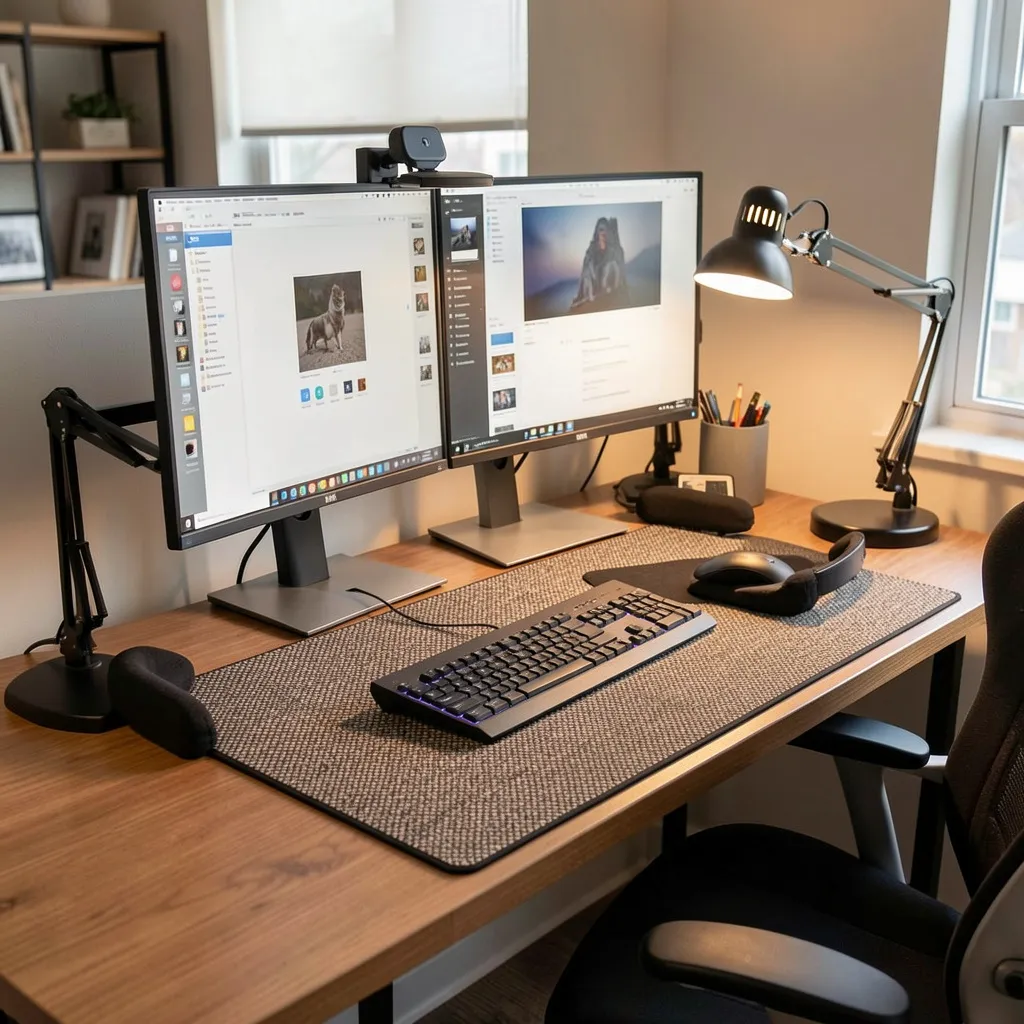
Dual monitor ergonomic setup

Viewing Distance

Maintain a viewing distance of approximately 20 to 26 inches from your eyes to the screen. This distance, combined with eyebrow-level placement, creates an optimal viewing angle that minimizes eye fatigue and supports comfortable focus.

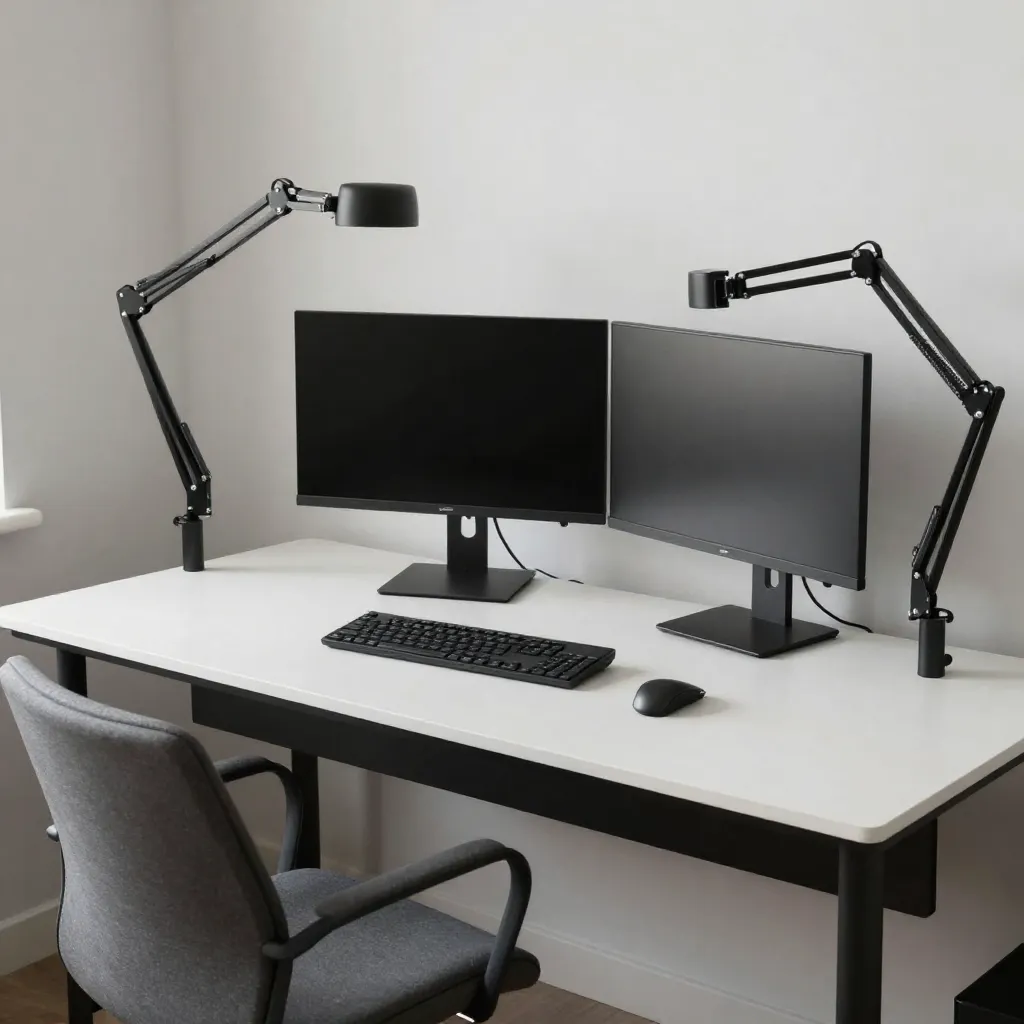
Adjustable monitor positioning

Adjustment Tools

Monitor arms and adjustable stands enable fine-tuning of height and angle. These tools accommodate different screen sizes and user heights, ensuring that eyebrow-level placement is achievable regardless of your specific setup requirements.

Measurement Guide

Use these reference points to verify your workspace alignment. Regular adjustments ensure continued comfort and support.

Workspace measurement tools

Quick Check Method

Sit naturally in your chair and check your elbow angle by placing your hands on your keyboard. Your forearms should be parallel to the floor. For monitor height, look straight ahead and note where your gaze naturally falls—this should match your screen's top edge.

Ergonomic measurement reference

Adjustment Sequence

Start with chair height to achieve 90-degree knees, then adjust desk height or keyboard tray for 90-degree elbows. Finally, position your monitor to eyebrow level. This sequence ensures each adjustment builds on the previous one for optimal results.

Maintaining Alignment

Ergonomic positioning requires periodic review and adjustment. Your body's needs may change, and workspace modifications can help maintain comfort over time.

Privacy Notice

We use cookies and similar technologies to enhance your browsing experience and analyze site traffic. By continuing to use this site, you consent to our use of cookies.