The Invisible Desk

Achieve visual peace through thoughtful cable management and wireless integration. Discover solutions that keep technology accessible while maintaining a clean, uncluttered appearance.

Wireless Charging Integration

Wireless charging desk setup

Desk Surface Integration

Wireless charging pads can be embedded into desk surfaces or positioned discreetly within reach. This eliminates the need for charging cables on your workspace surface, maintaining a clean appearance while keeping devices powered throughout the day.

Wireless device charging

Multi-Device Support

Modern wireless charging solutions accommodate phones, tablets, and compatible accessories simultaneously. Strategic placement ensures devices remain accessible while charging, supporting both convenience and visual organization.

Integrated charging solutions

Seamless Aesthetics

Wireless charging technology can be integrated into desk accessories, monitor stands, and other workspace elements. This approach maintains functionality while preserving the visual design of your workspace.
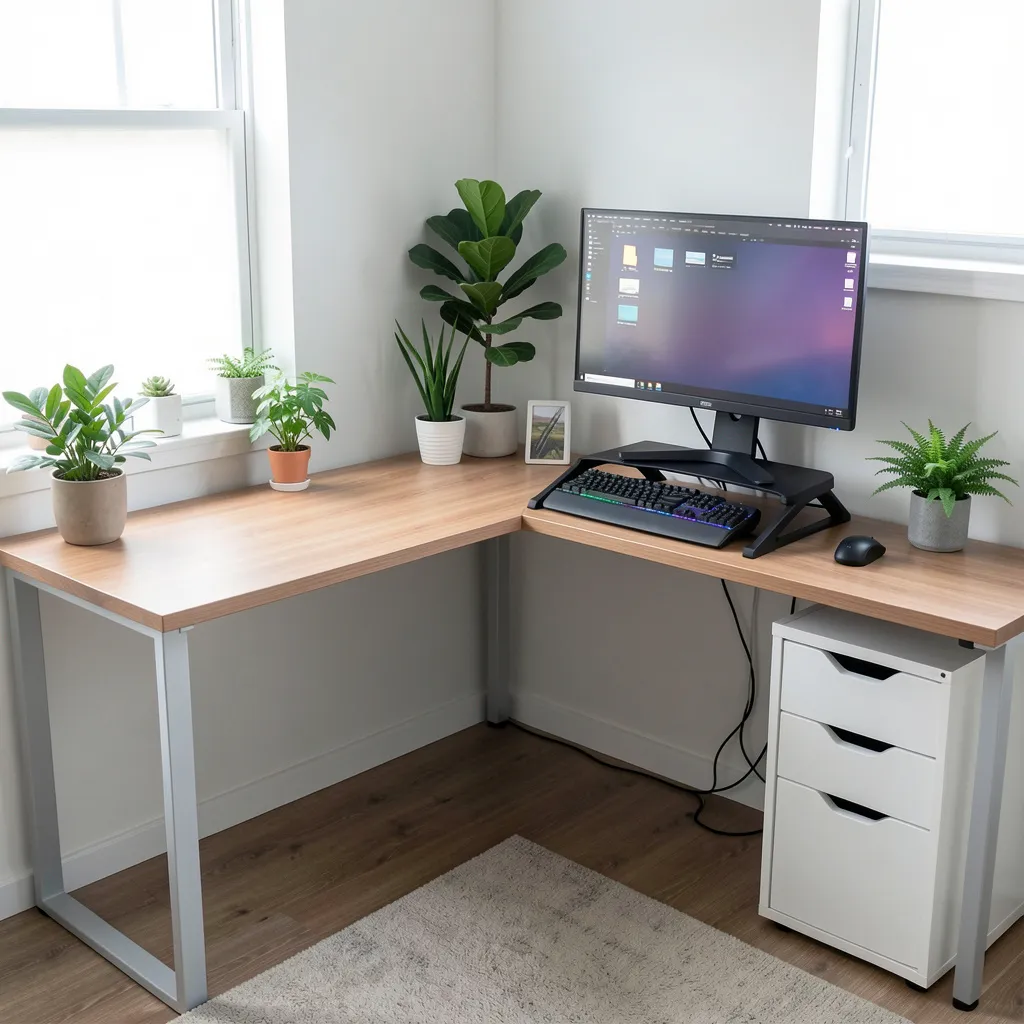
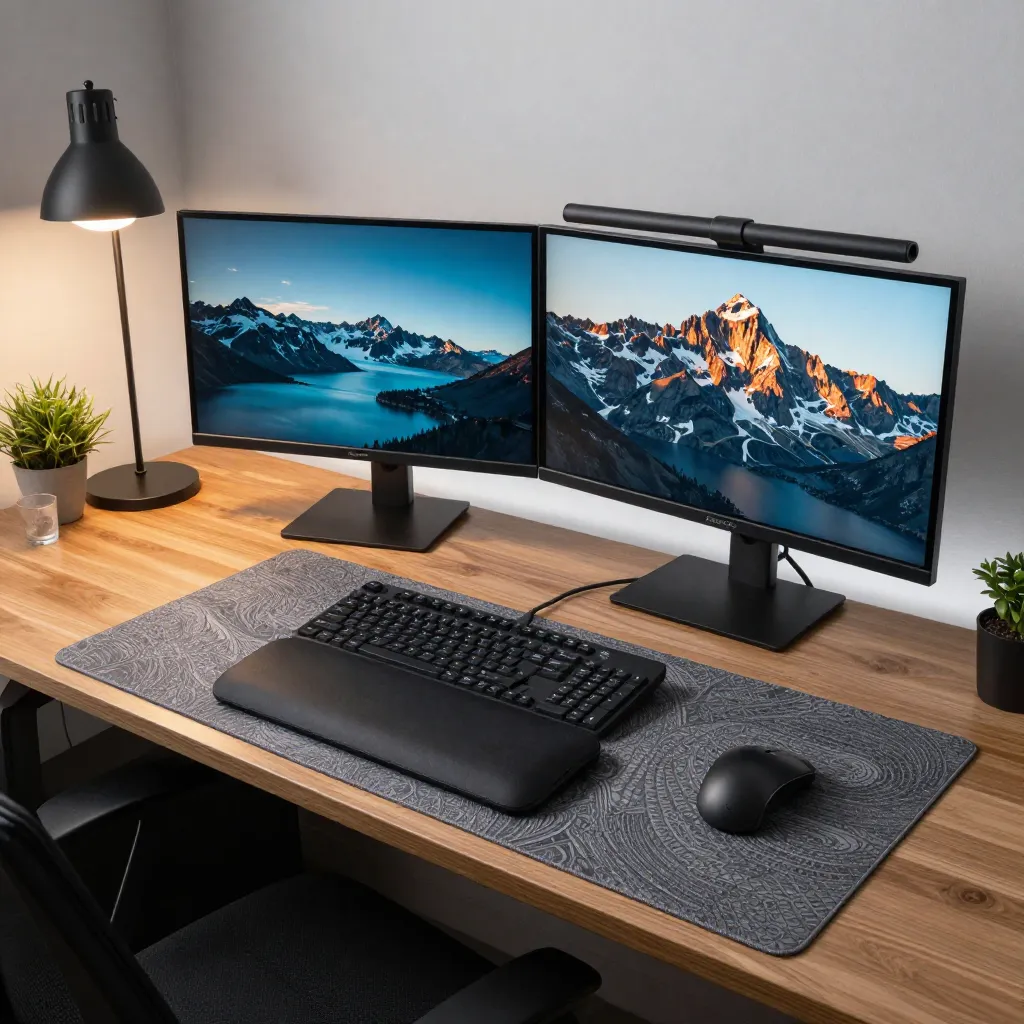
Under-Desk Cable Management

Under-desk cable organization

Cable Trays and Channels

Under-desk cable management systems use trays, channels, and clips to route cables neatly along desk undersides. These solutions keep cables organized and prevent tangling while maintaining easy access for adjustments or additions.

Cable routing systems

Vertical Routing

Cable management arms and vertical channels guide cables from desk surfaces down to power sources and connection points. This approach minimizes visible cable runs and creates organized pathways for multiple connections.

Organized cable management

Labeling and Organization

Clear labeling systems help identify cables for specific devices or functions. Combined with organized routing, this makes maintenance and troubleshooting straightforward while keeping the workspace visually clean.

Docking Station Setups

Docking station configuration

Single Connection Point

Docking stations consolidate multiple connections into a single interface. This reduces cable clutter on your desk surface while providing access to displays, peripherals, and network connections through one connection point.

Workspace docking solution

Under-Desk Mounting

Docking stations can be mounted beneath desk surfaces, keeping them accessible but out of sight. This placement maintains functionality while preserving the clean appearance of your workspace surface.

Integrated docking setup

Multi-Monitor Support

Modern docking stations support multiple displays, high-speed data transfer, and power delivery. This capability enables complex workstation setups while maintaining minimal visible cabling and a streamlined appearance.

Maintaining Visual Peace

Regular review of cable management systems ensures continued organization. As technology evolves, wireless solutions and improved management tools can further reduce visible clutter while maintaining full functionality.

Privacy Notice

We use cookies and similar technologies to enhance your browsing experience and analyze site traffic. By continuing to use this site, you consent to our use of cookies.